

This tutorial will guide you through the process of creating a new company account for social management posting on Follower.
Begin by navigating to the dropdown menu and selecting Create new company.
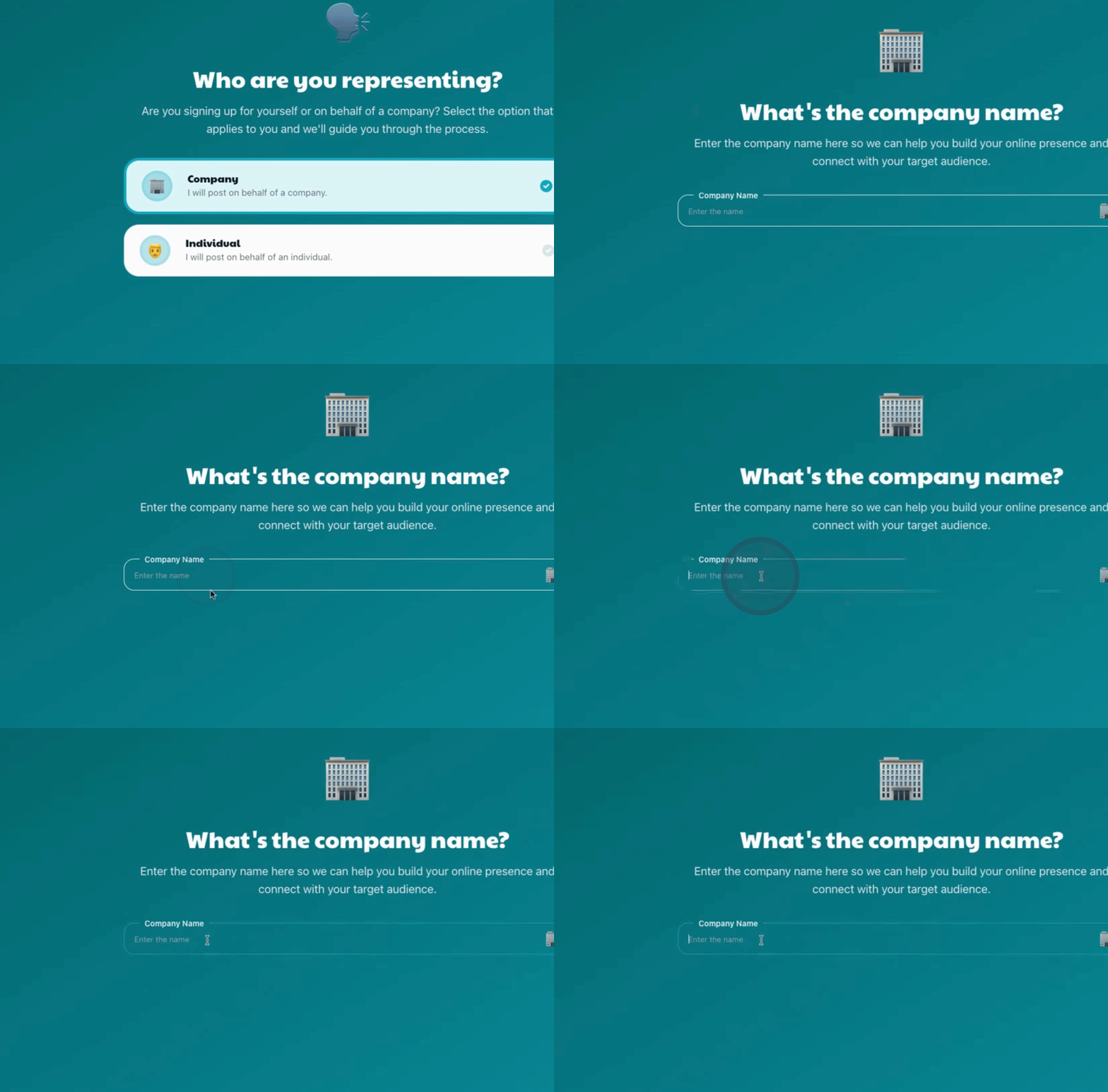
Proceed with the onboarding process.

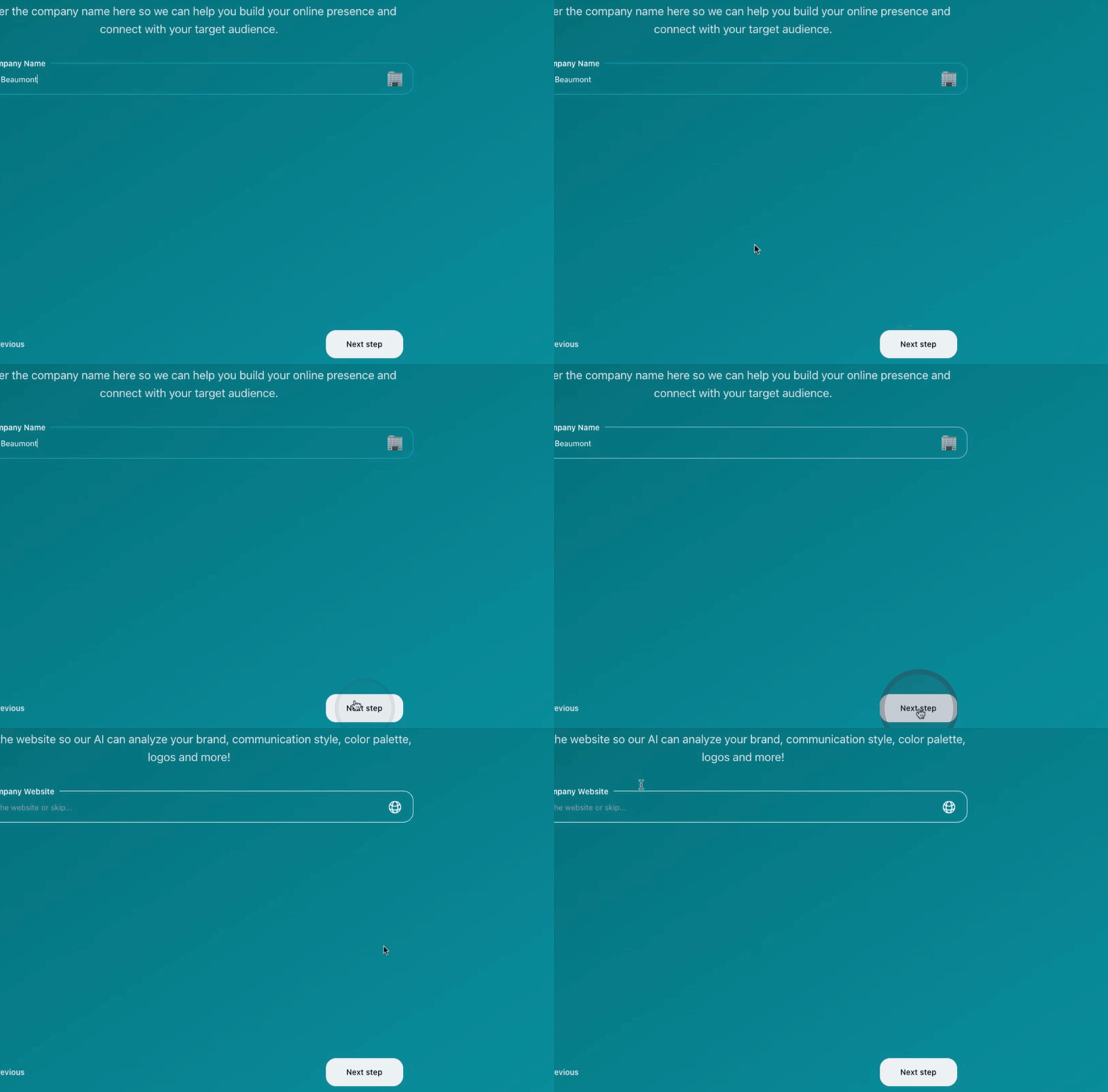
Once you've entered the necessary details, click Next to proceed.
Continue by clicking Next again.
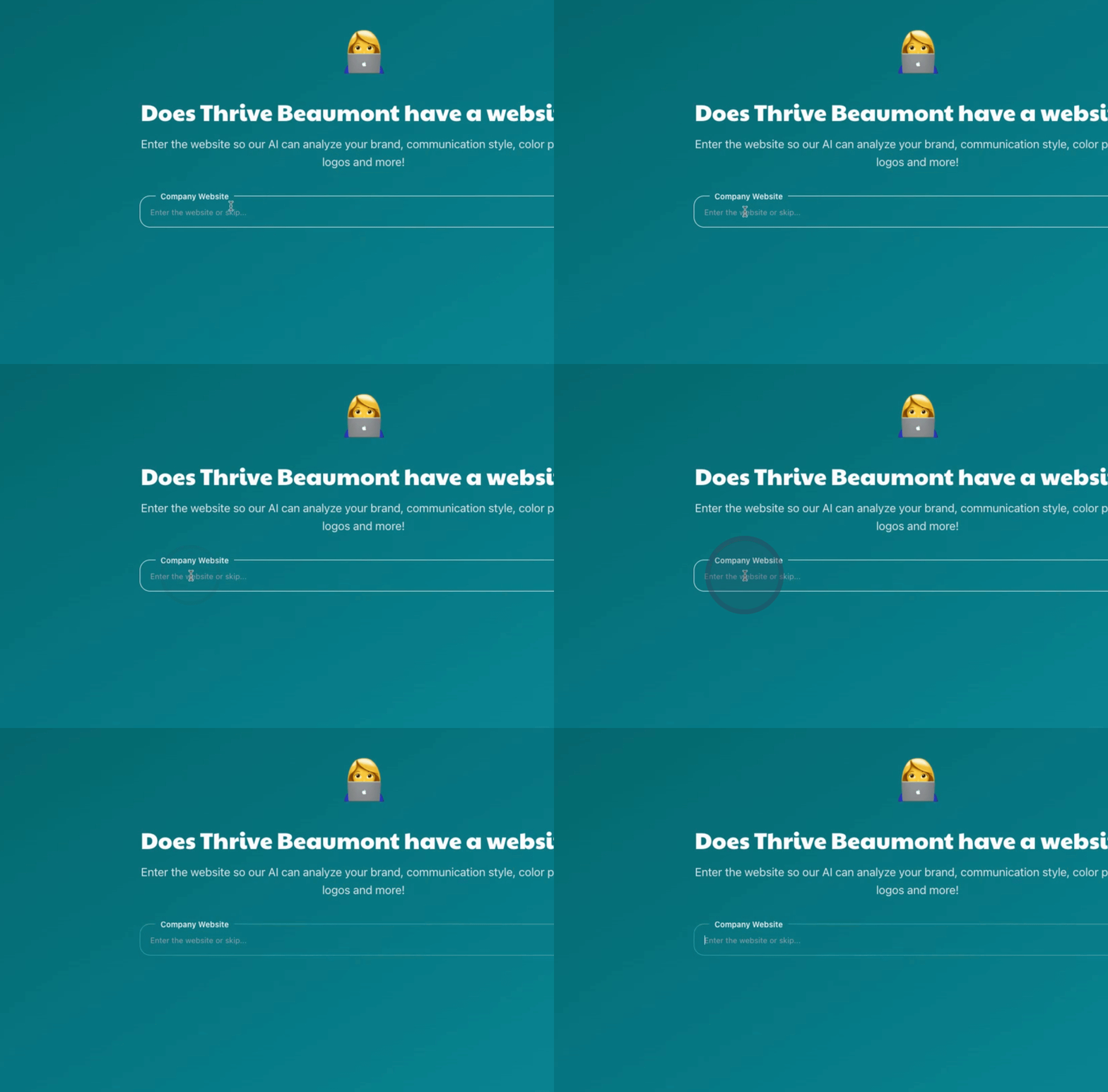
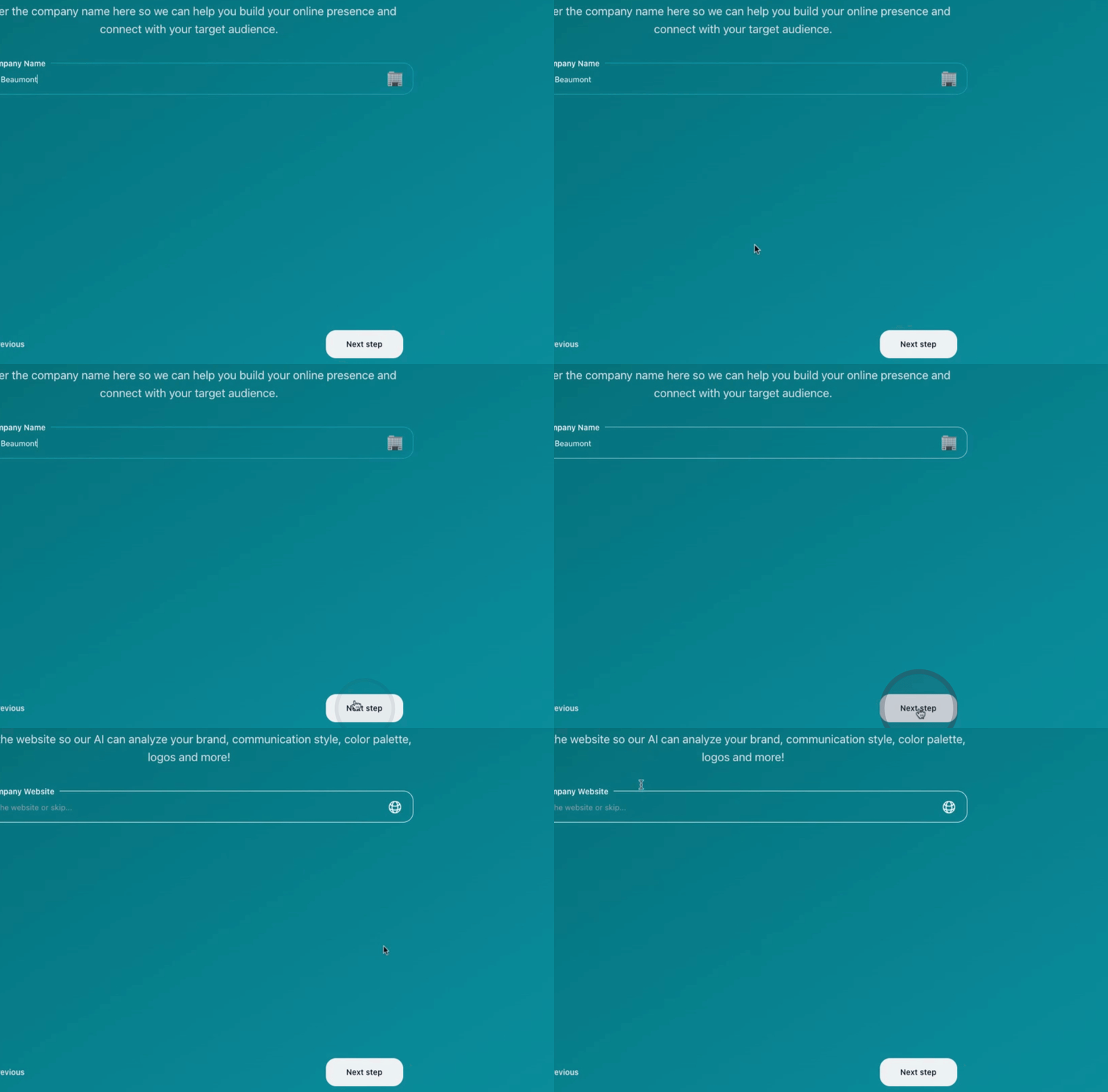
When prompted, indicate whether Thrive Beaumont has a website.
Next, input the website's email address.
This enables the platform to retrieve information from the site.
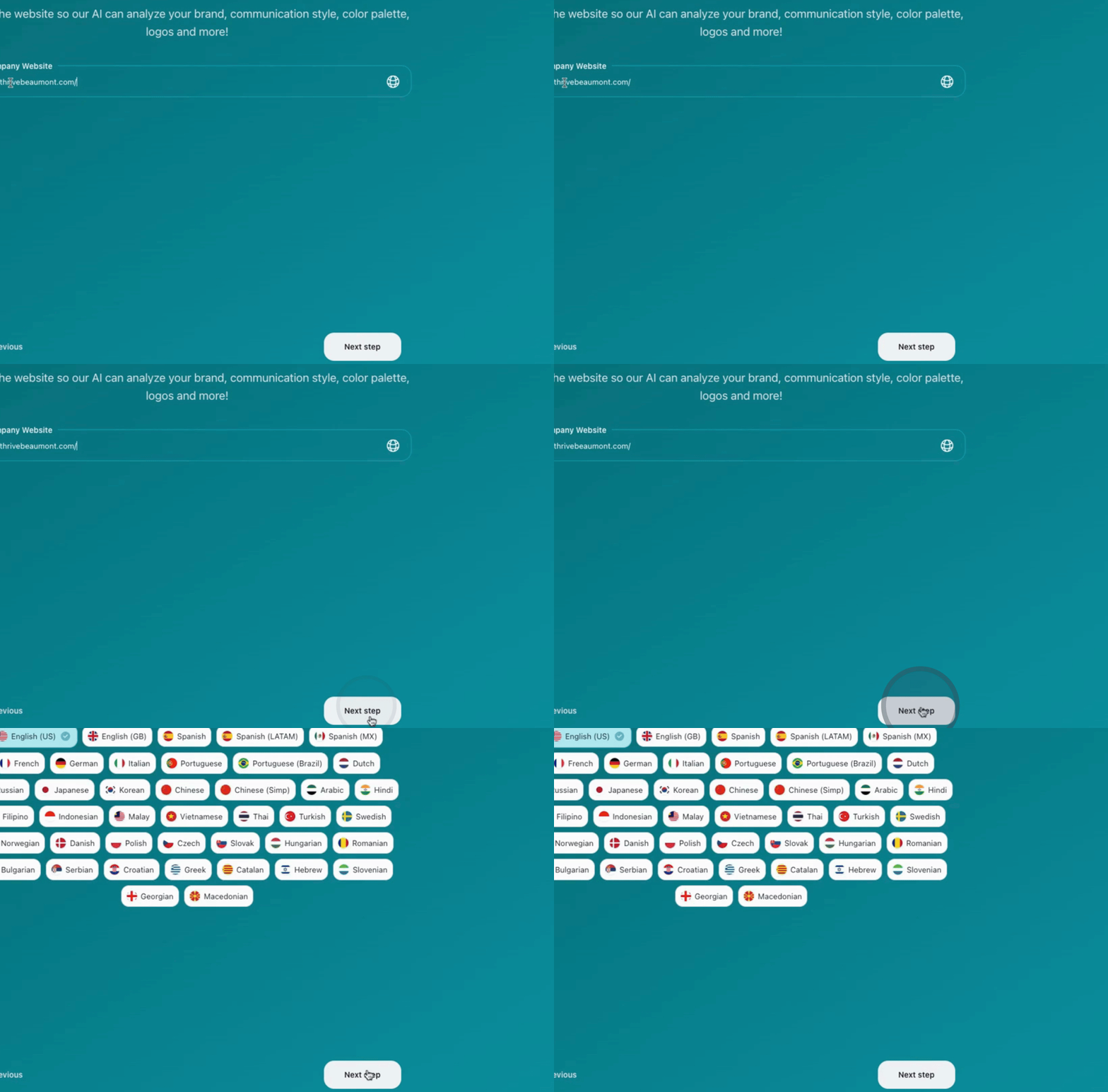
After that, click Next and select your preferred language, in this case English.
Then, provide more details about Thrive Beaumont.
The system will start retrieving information about Thrive Beaumont.
While logged into the client's website, it will gather data.
You will see a description pulled from the website.
Click Next and proceed to upload the company's logo.
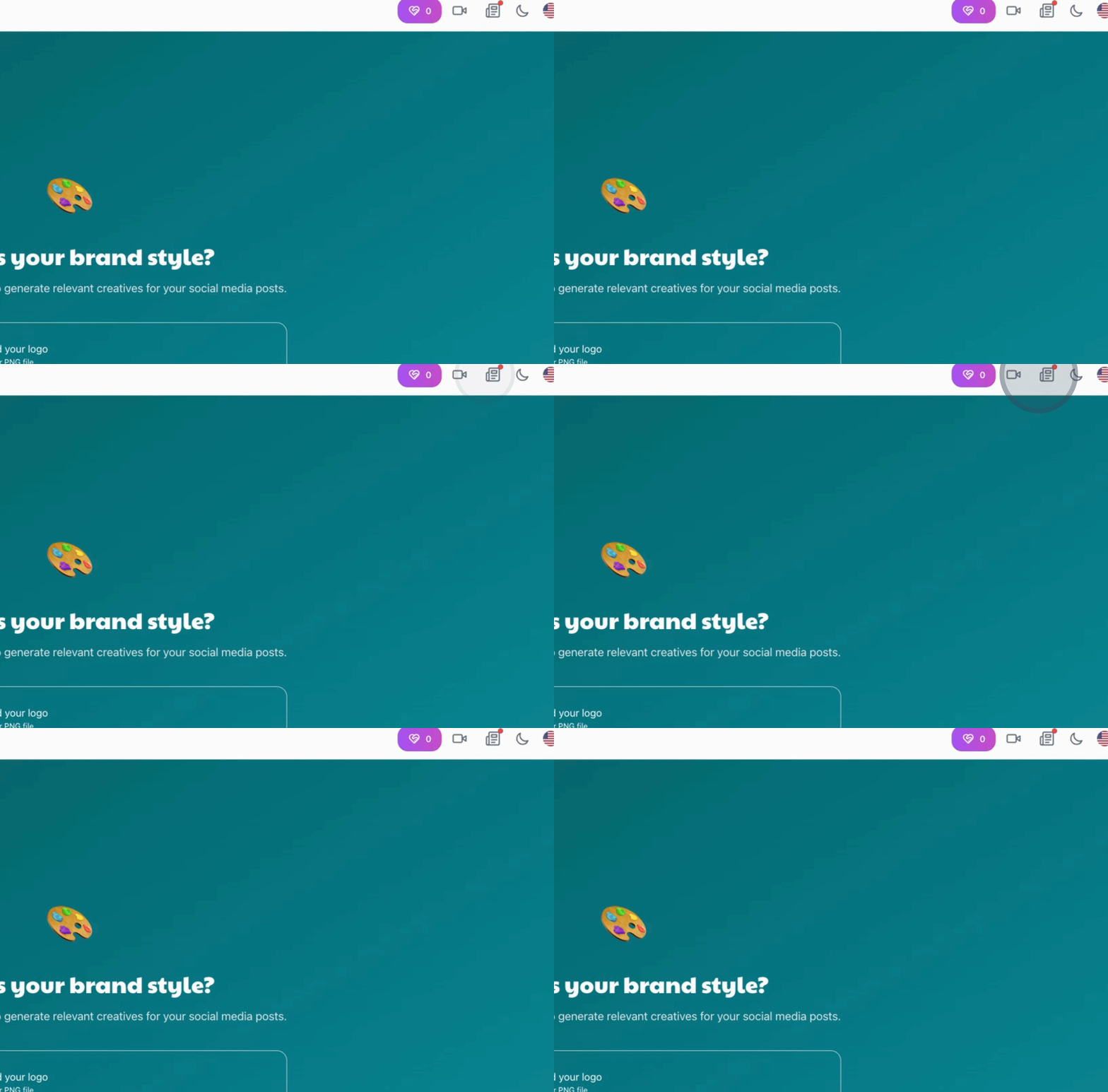
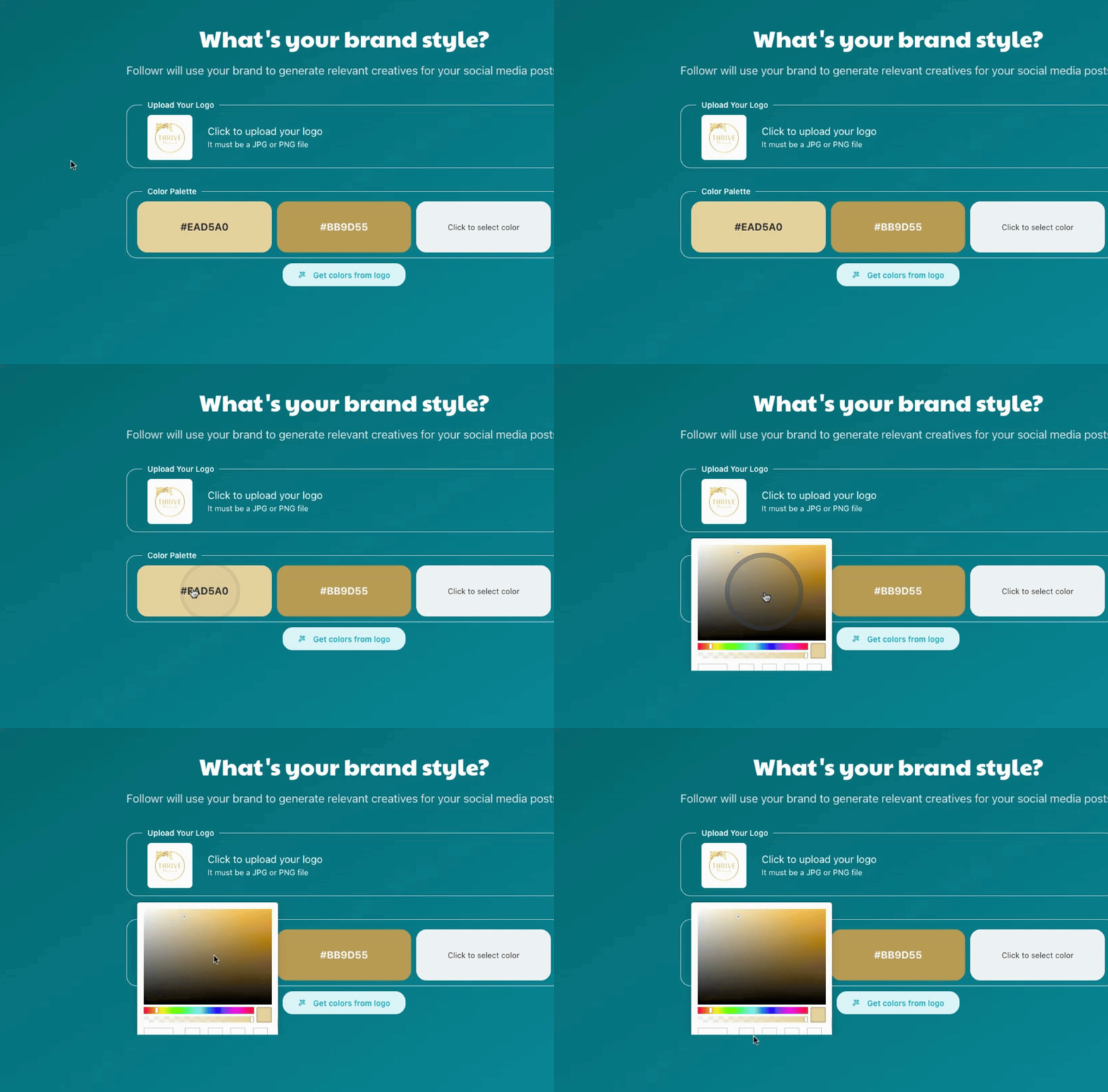
The platform will extract colors from their logo.
Select a different color if needed.
To identify additional colors, refer to the provided document containing the company’s color palette.
Locate the specific color code that you require.
For your primary color, enter the hex code D1A32D.
The secondary color will be E8B93C, and for the tertiary color use 96B190.
Click Next to specify the types of services offered, such as:
Spinal alignment
Soft tissue therapy
Personalized treatment
Wellness programs
Prenatal care
Transformative benefits
Confirm your selections.
Click Next to define the tone of communication; for instance, select Friendly.
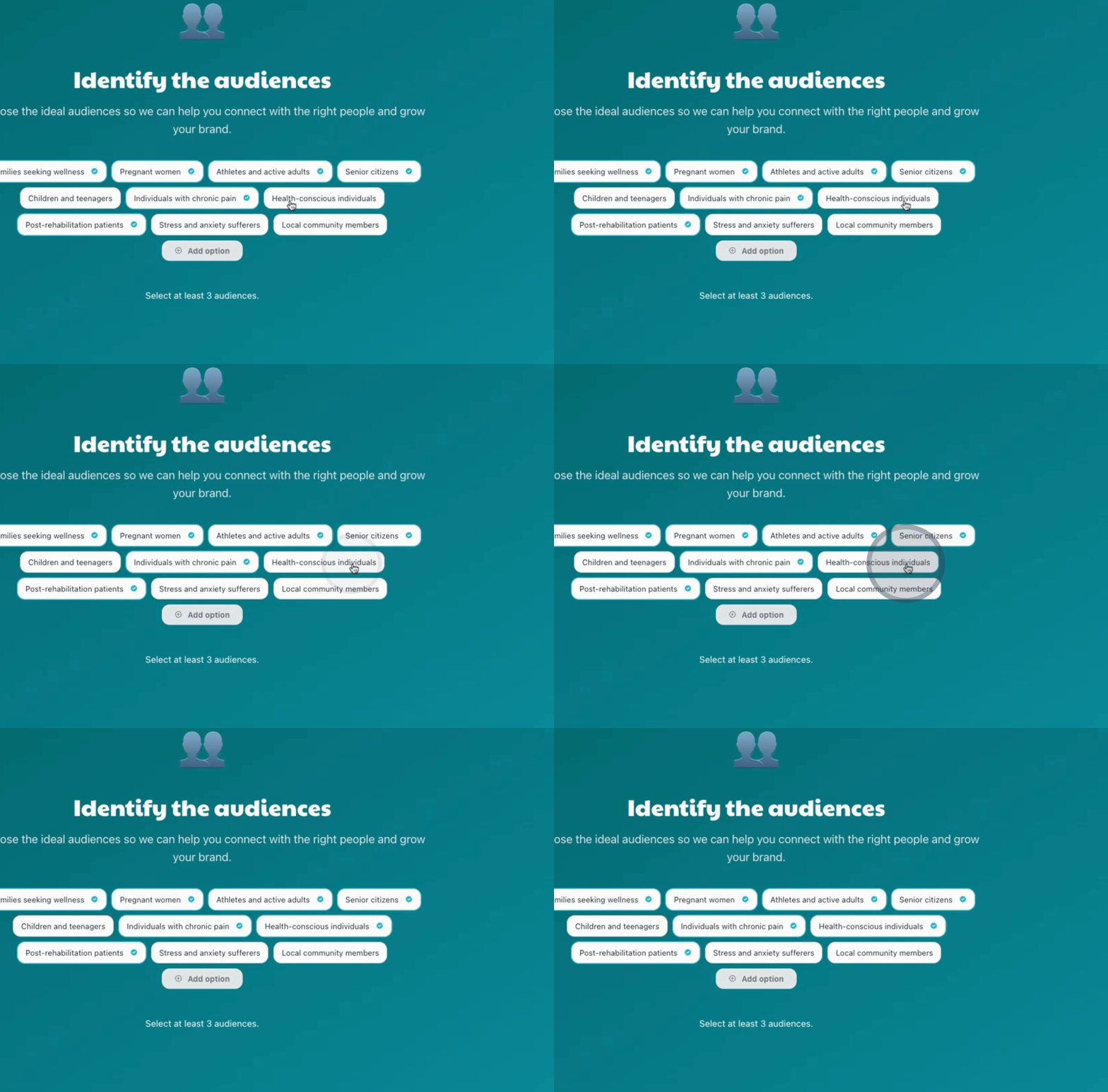
Identify your target audience, which may include:
Pregnant women
Senior citizens
Individuals with chronic pain
Health-conscious individuals
Post-rehabilitation patients
Stress management
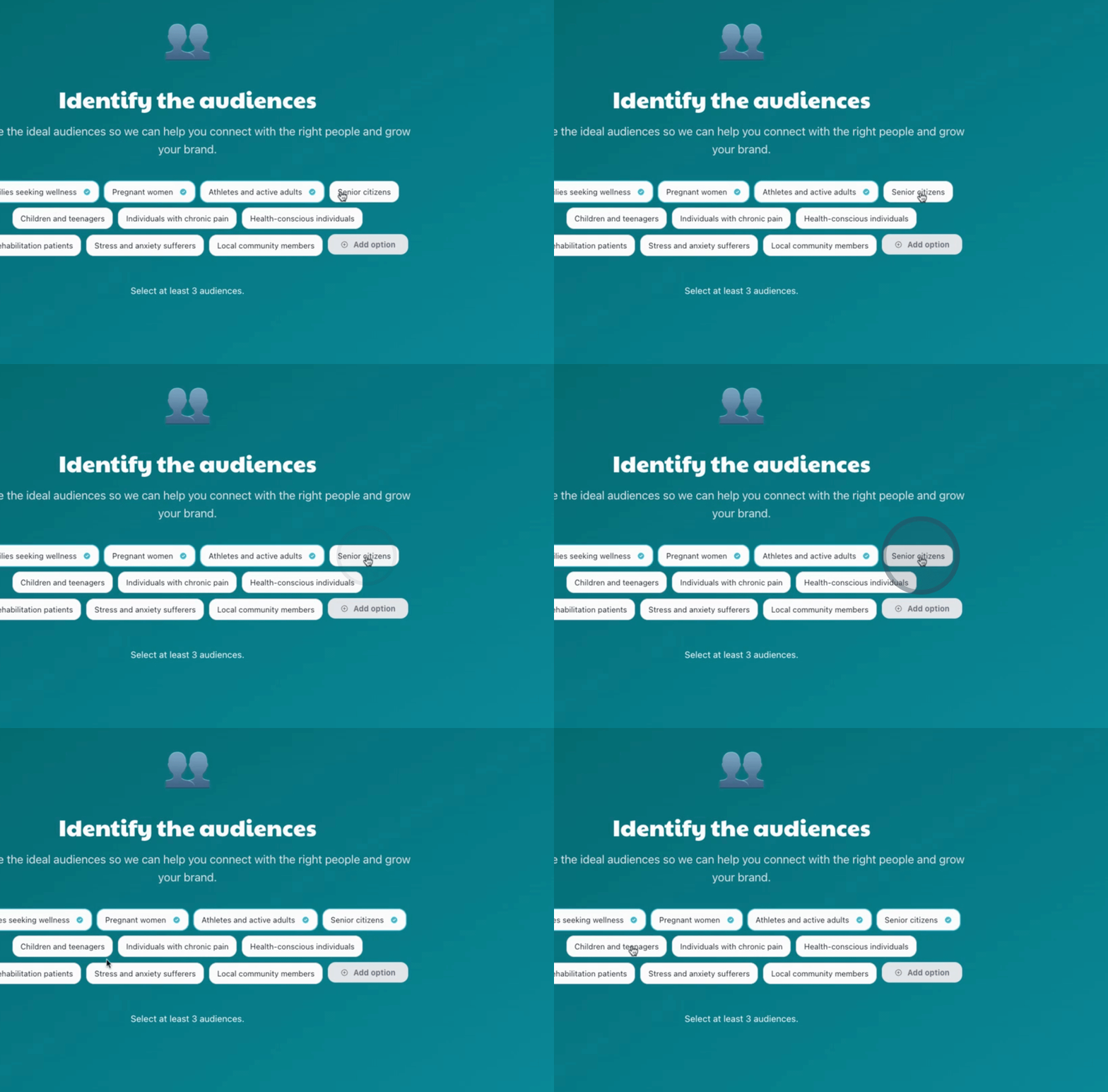
Finally, select Health conscious individuals as your primary audience.
Click Finish to complete the account setup.
You are now on your way to successfully managing your social posts.
This concludes the tutorial on creating a new account under social posting in Follower.

By following these instructions, you can easily create a new company account in Follower for effective social management posting.
