

This tutorial will guide you through the steps required to onboard a new chiropractic or automated appointment funnel client using Go High Level.
Add image
The first step involves setting up the client's dashboard inside Go High Level. Once you have the new customer, upload the chiropractic snapshot into the sub account. After uploading the snapshot, ensure to set up their dashboard so that they can see specific items upon logging in. The dashboard should feature the following fields: opportunity status, appointment count, confirmed appointments, confirm deployments, conversion rate, Facebook ad report, Lead source report, Google Business profile, Google Analytics, and Google Ads.
Next, we will ensure that the opportunities tabs align with the client's paid ads. You should set up or rename the pipeline items accordingly in their pipeline, noting that they only need one pipeline for the moment. Name this pipeline leads to first appointment pipeline and add the necessary fields.
Following this, it is paramount to configure the automation flow for product booking follow-up sequences to enhance the show-up rate. Navigate to the automations flow where you will find the initial automation flows from the snapshot. Ensure to enhance these flows to align with the materials provided by Dr. Jean.
The next step is to set up the video sales letter with appointments. If the snapshot does not include the video sales letter, then you will need to create the: opt-in page, video sales video, book a call page, and thank you page. Ensure to customize these four pages according to the colors and branding to ensure uniqueness for each customer.
Make sure to set up the pop-up lead capture form on both the VSL and the opt-in page. The form should capture the first name, last name, phone number, and email.
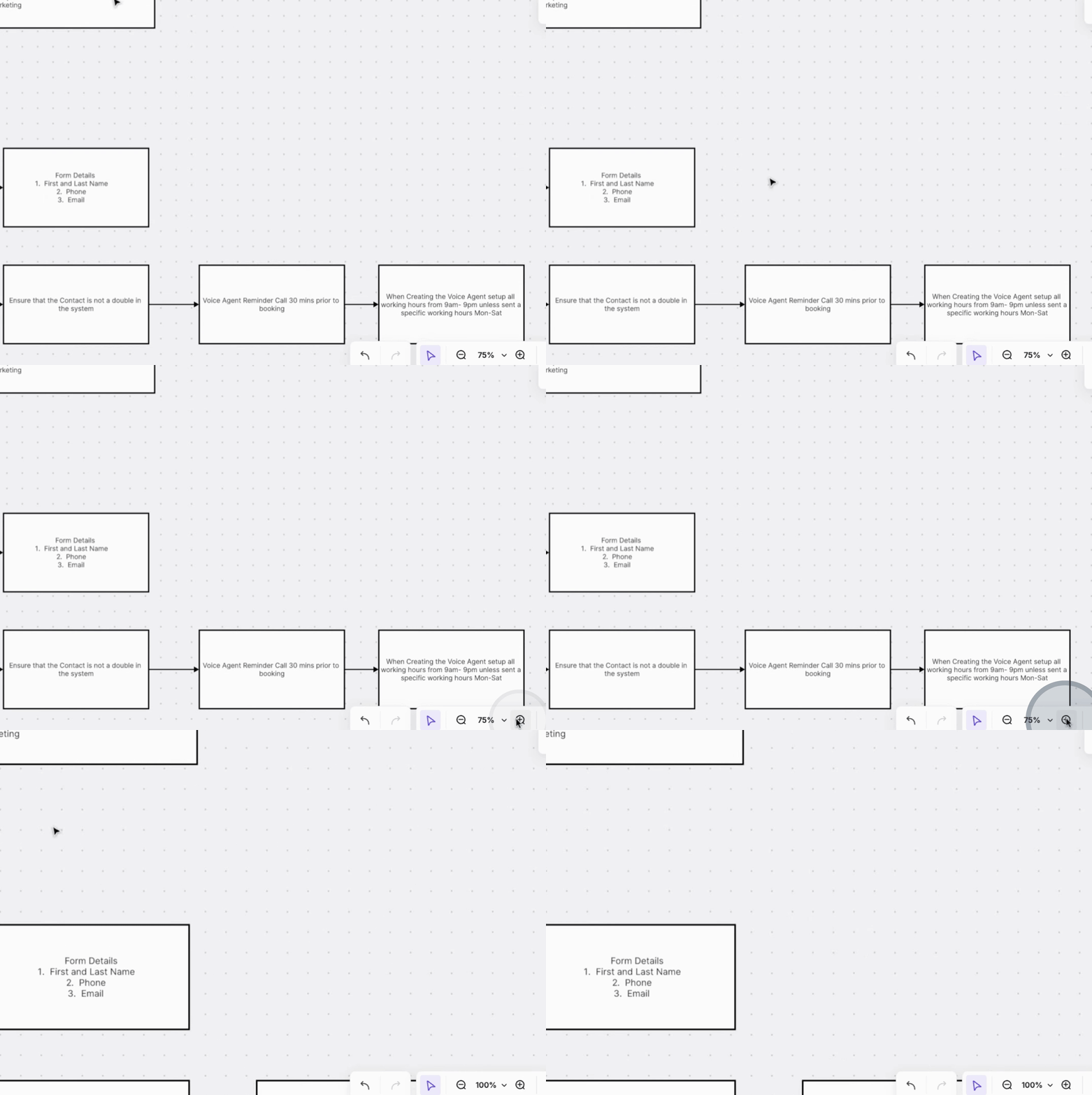
Next, set up the voice agent to make a call ten minutes after a booking on the Facebook ad. This call is essential for those who filled out the lead form but did not book an appointment. The voice agent will then trigger the next step in the opportunities flow to confirm booked appointments, ensuring no duplicate contacts exist in the system.
Additionally, the voice agent should call the client 30 minutes prior to their booking. Ensure the contact has been set up to call at the specified working hours from Monday through Saturday. The voice agent will send an SMS to confirm the appointment booking directly.
Verify that the calendar setup and connections to the appropriate sources, whether Microsoft, Google, or third-party integrations, are adequately configured. The calendar widget should also be included within the VSL book a call page flow.
Ensure to establish a lead nurture series of emails. If it is not present in the snapshot, create at least a 27-email follow-up series. The content for these emails will be provided and should be spaced out over one to three days as part of the nurturing process.
If applicable, import any existing contacts using a CSV file, ensuring this is part of the onboarding steps for the new customer.
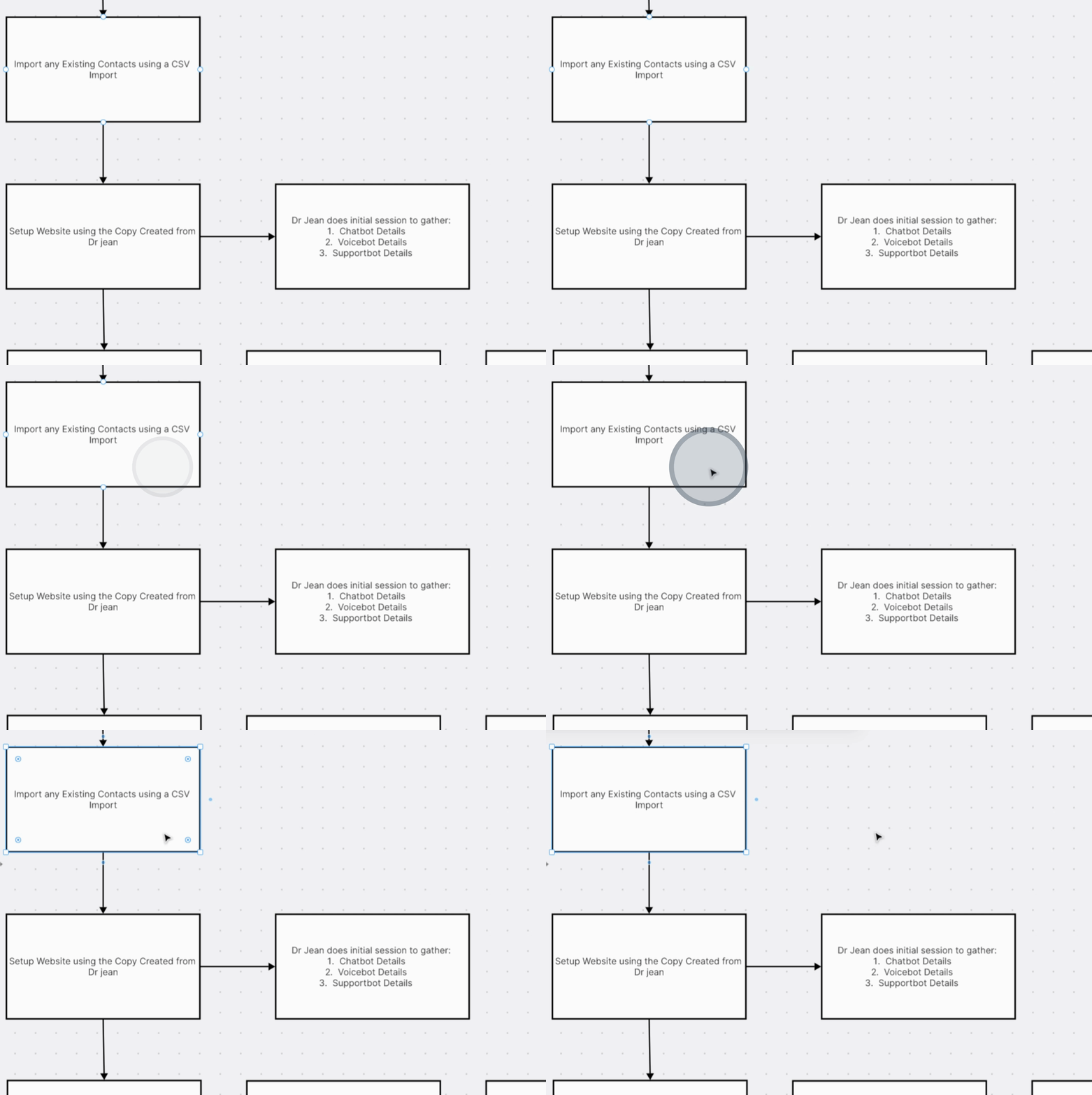
For website setup, utilize the content created by Dr. Jean. Dr. Jean will collaborate with the customer to gather all necessary content to redesign their website, which should include a call to action directing visitors to the VSL set up.
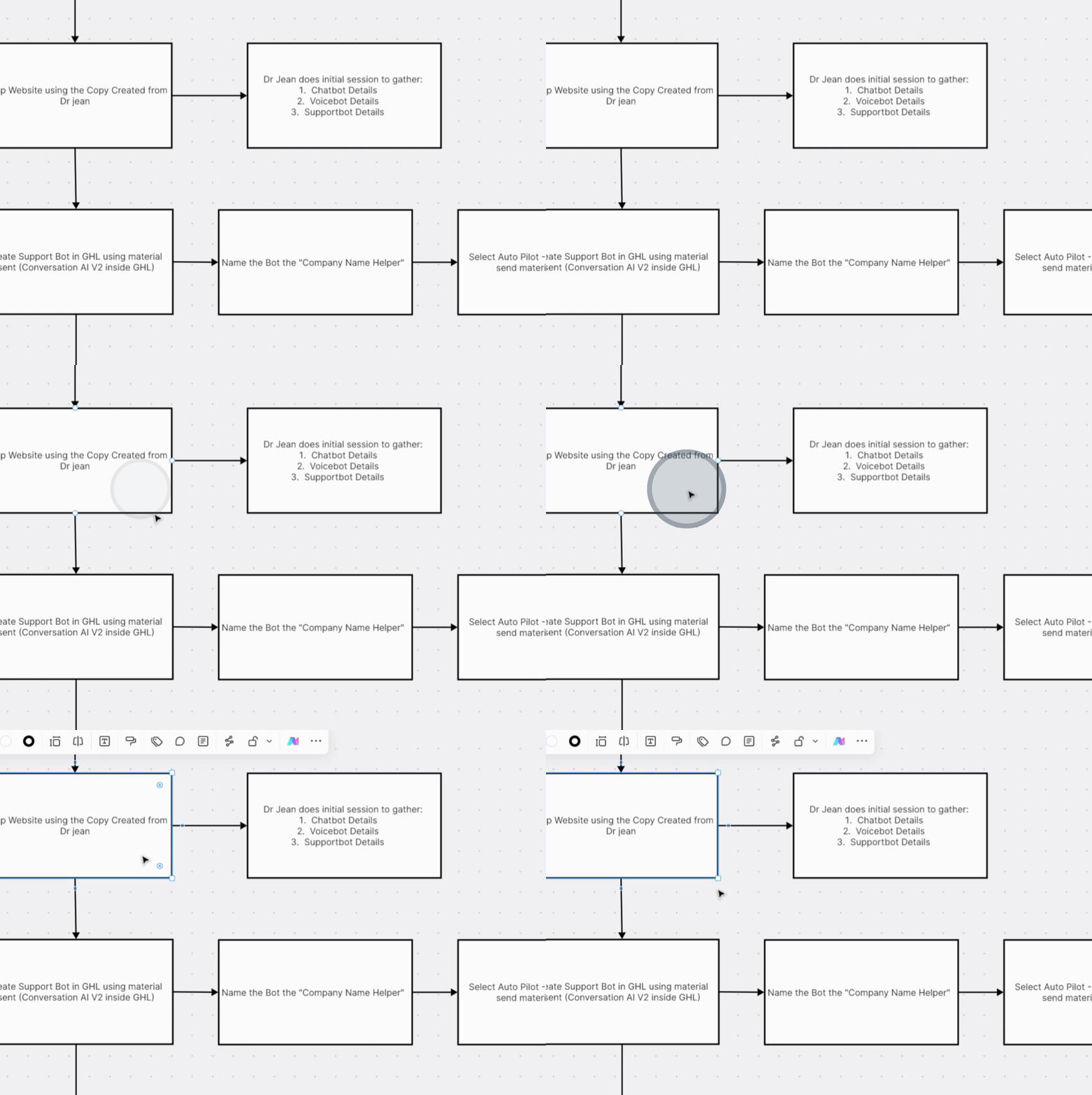
Lastly, set up the chatbot, voice bot, and support bot details as directed by Dr. Jean. Specifically, create the support bot in Go High Level using the materials sent, utilizing conversion AI version 2.
By following these comprehensive steps, you will successfully onboard a new chiropractic client within Go High Level, ensuring that all essential tools and systems are effectively configured for optimal performance.
