

This tutorial provides a step-by-step guide on setting up the opportunities tab for a new customer in Go High Level.
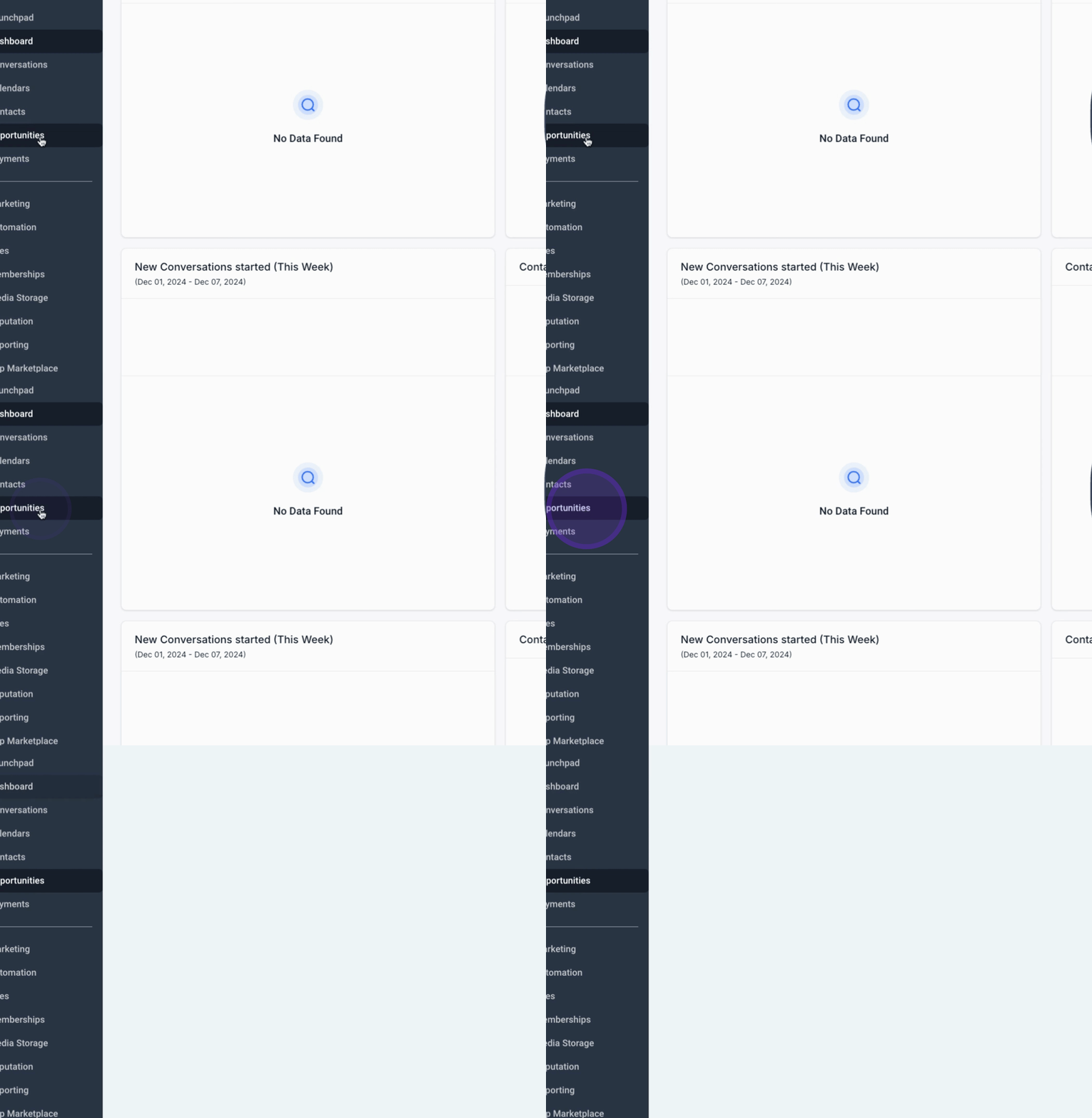
First, click on Opportunities to access the relevant section.
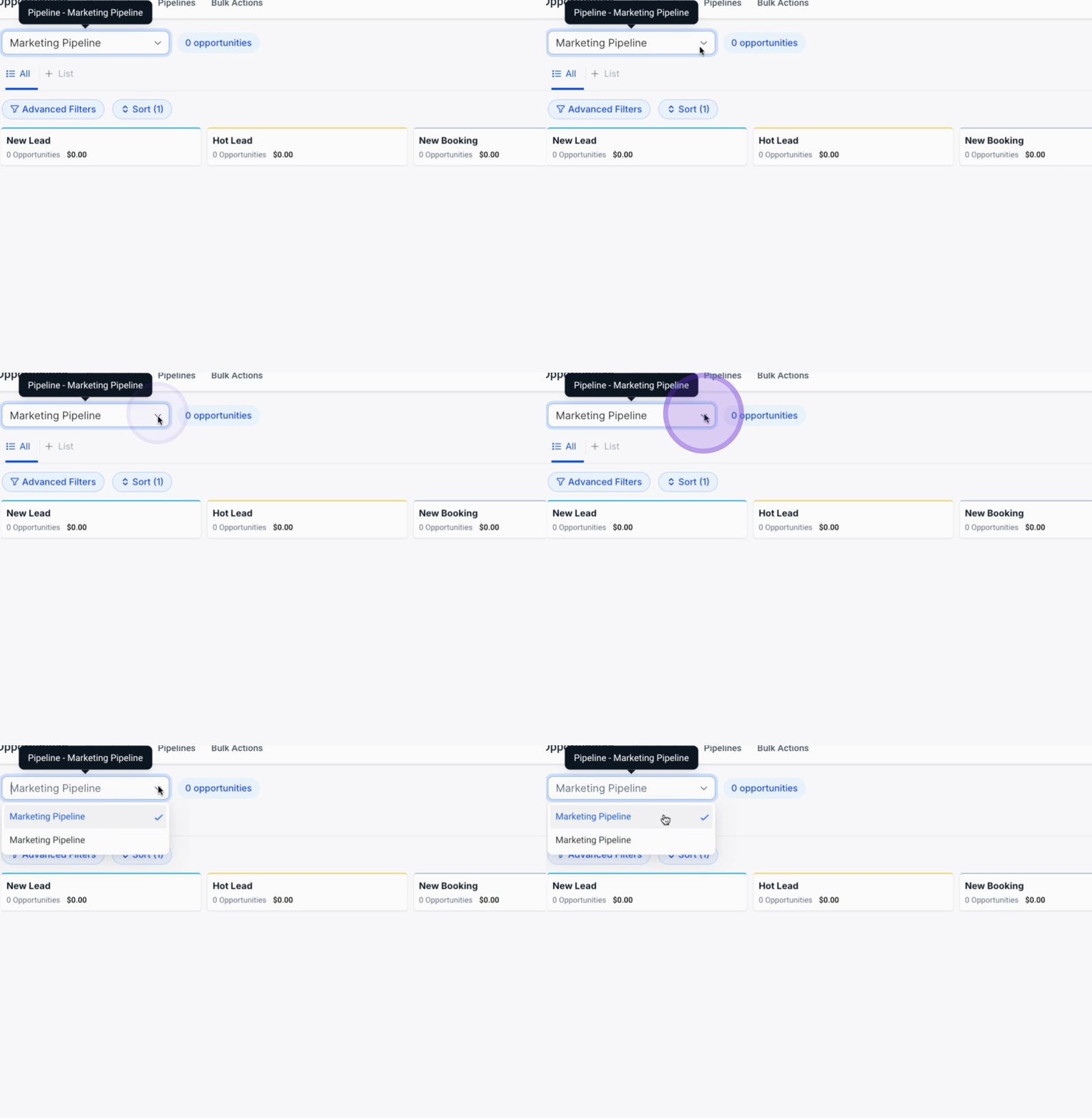
Ensure that the pipeline tabs are aligned with the customer's funnel.
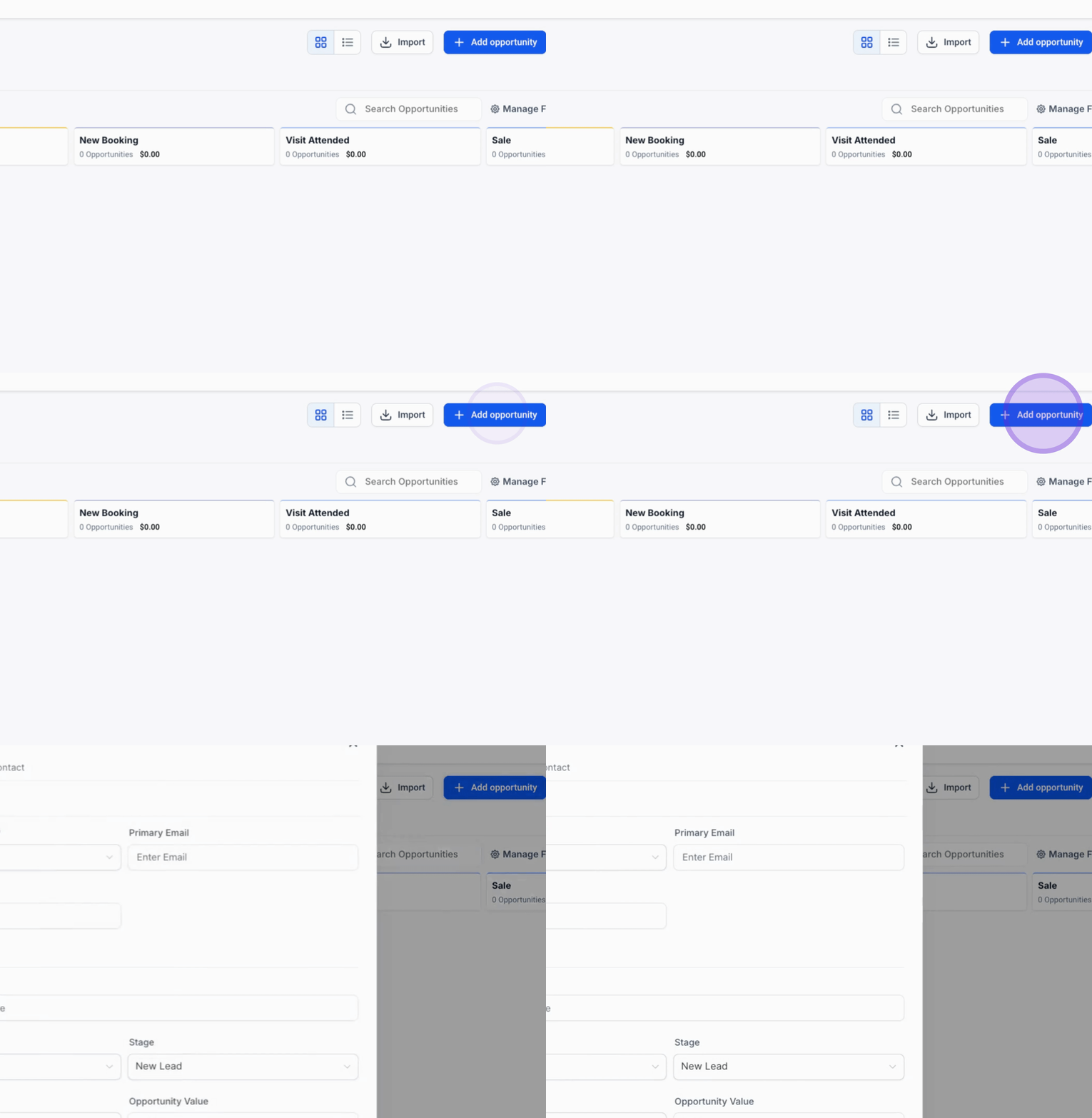
Next, we will start a new opportunities tab by clicking on Add Opportunities.
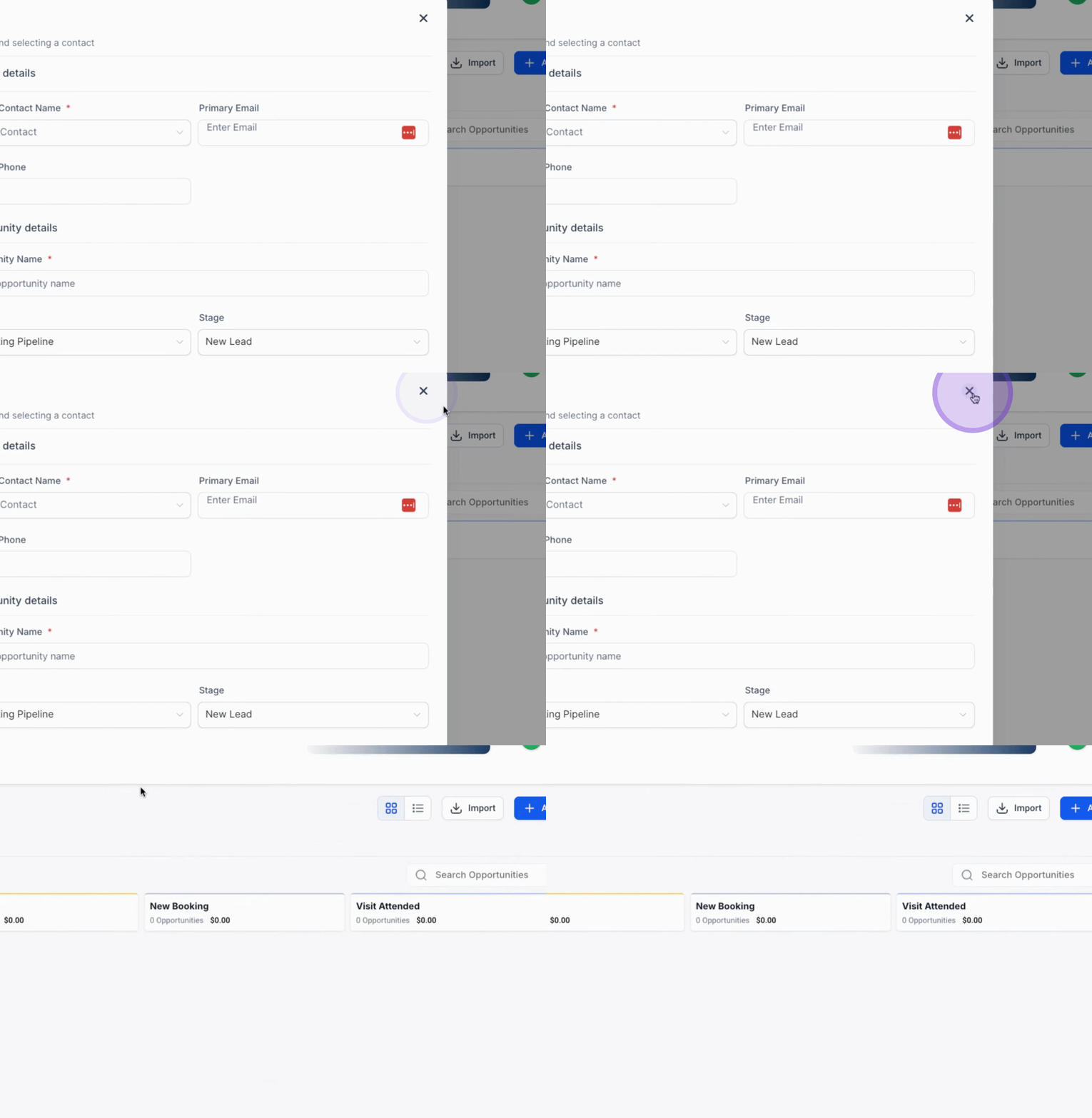
We will create a new pipeline for managing the opportunities.
Name this pipeline Facebook Ad Leads for Cairo.
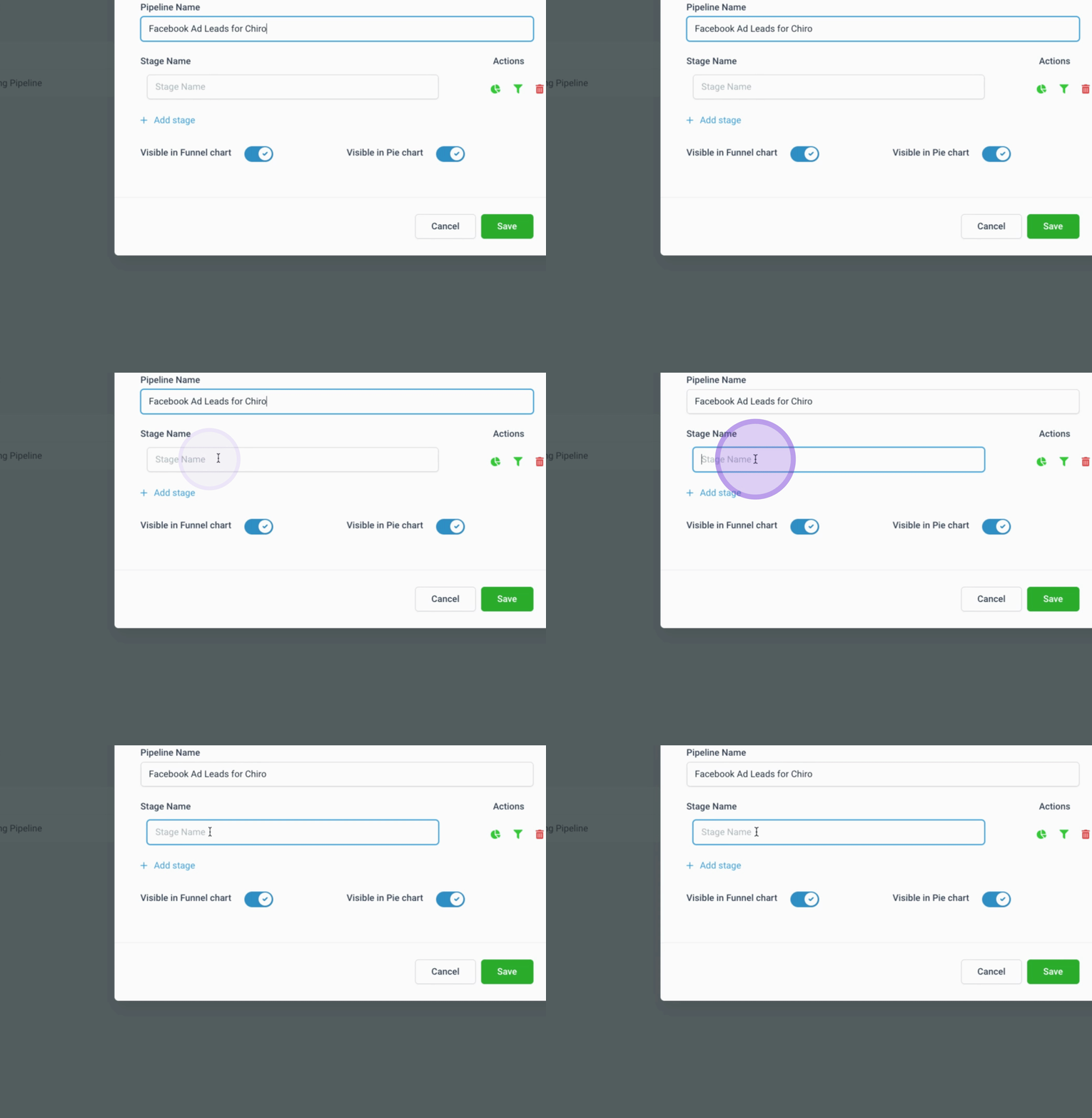
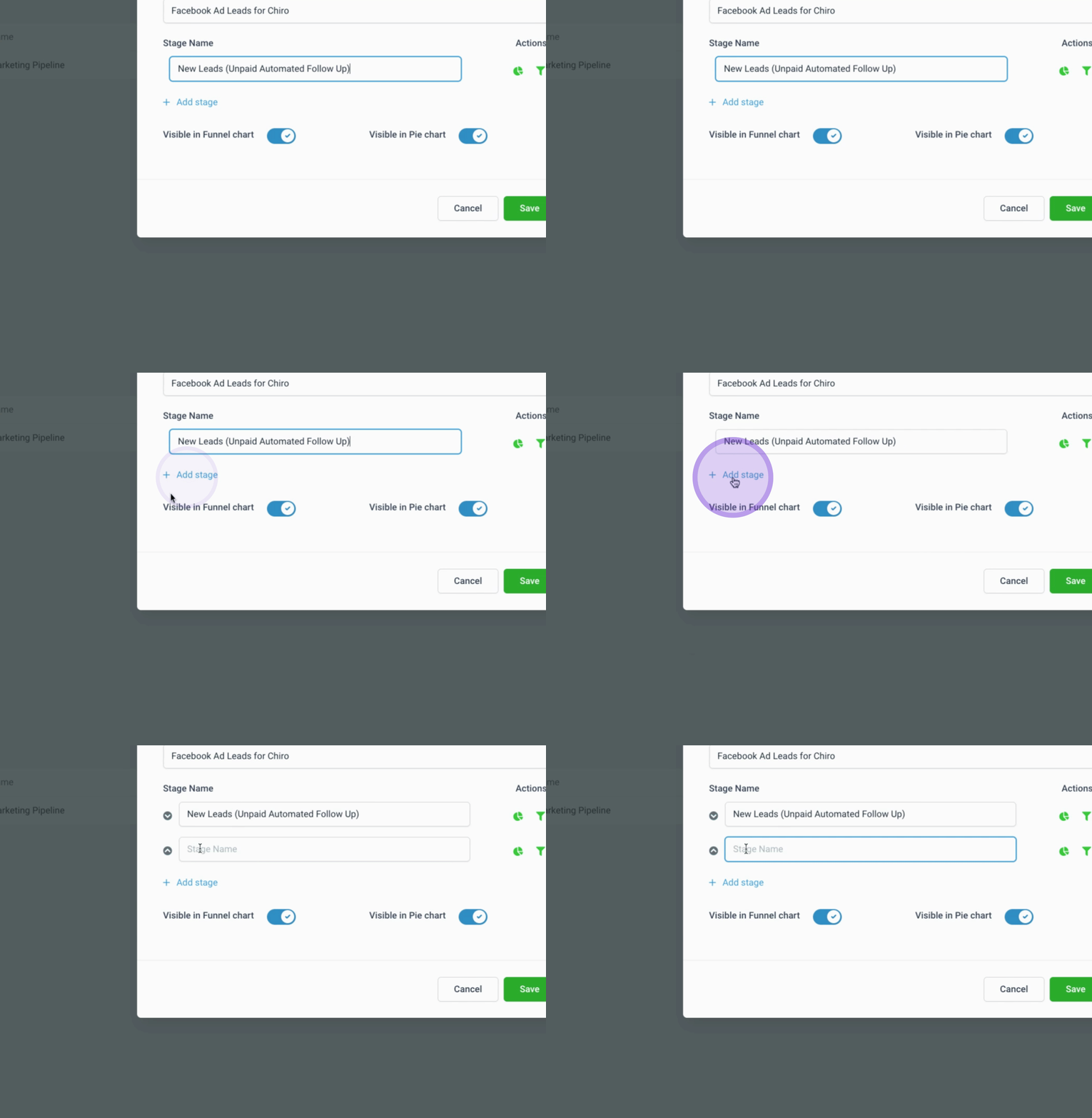
Create a total of 10 stages for the pipeline. The stages are as follows:
New Leads Unpaid Automated Follow Up
New Lead Unpaid Cold Automated Follow Up
New Leads Paid Not Scheduled
Day One Booked
Automated Reminders Started
Care Rescheduled
Automated Follow Up Day 1 No Show
Day 1 Undecided Follow Up
Future Marketing
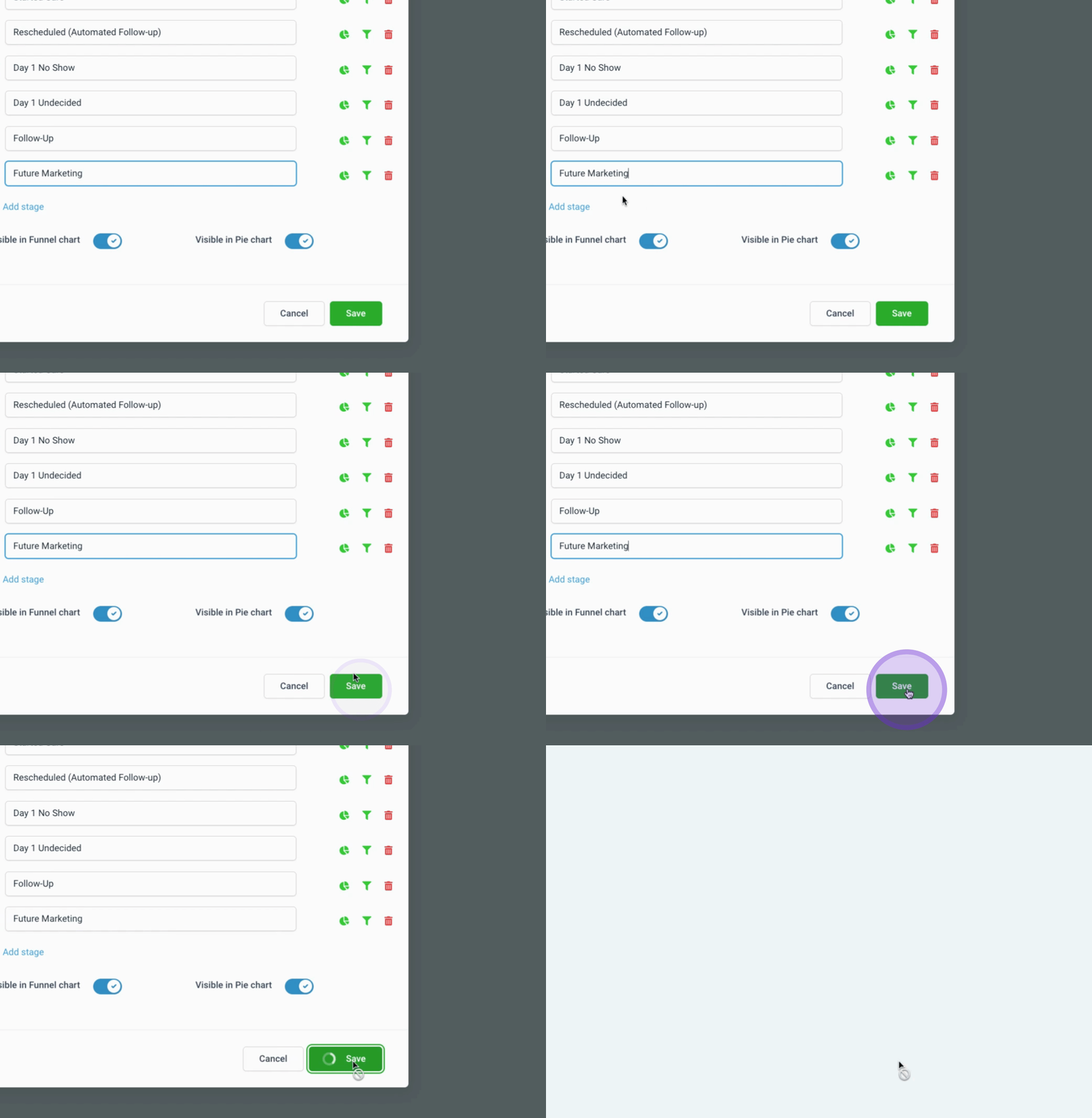
Finally, click on Save to create the new pipeline.
This will establish the Facebook Ad Leads pipeline for the new chiropractic customer.
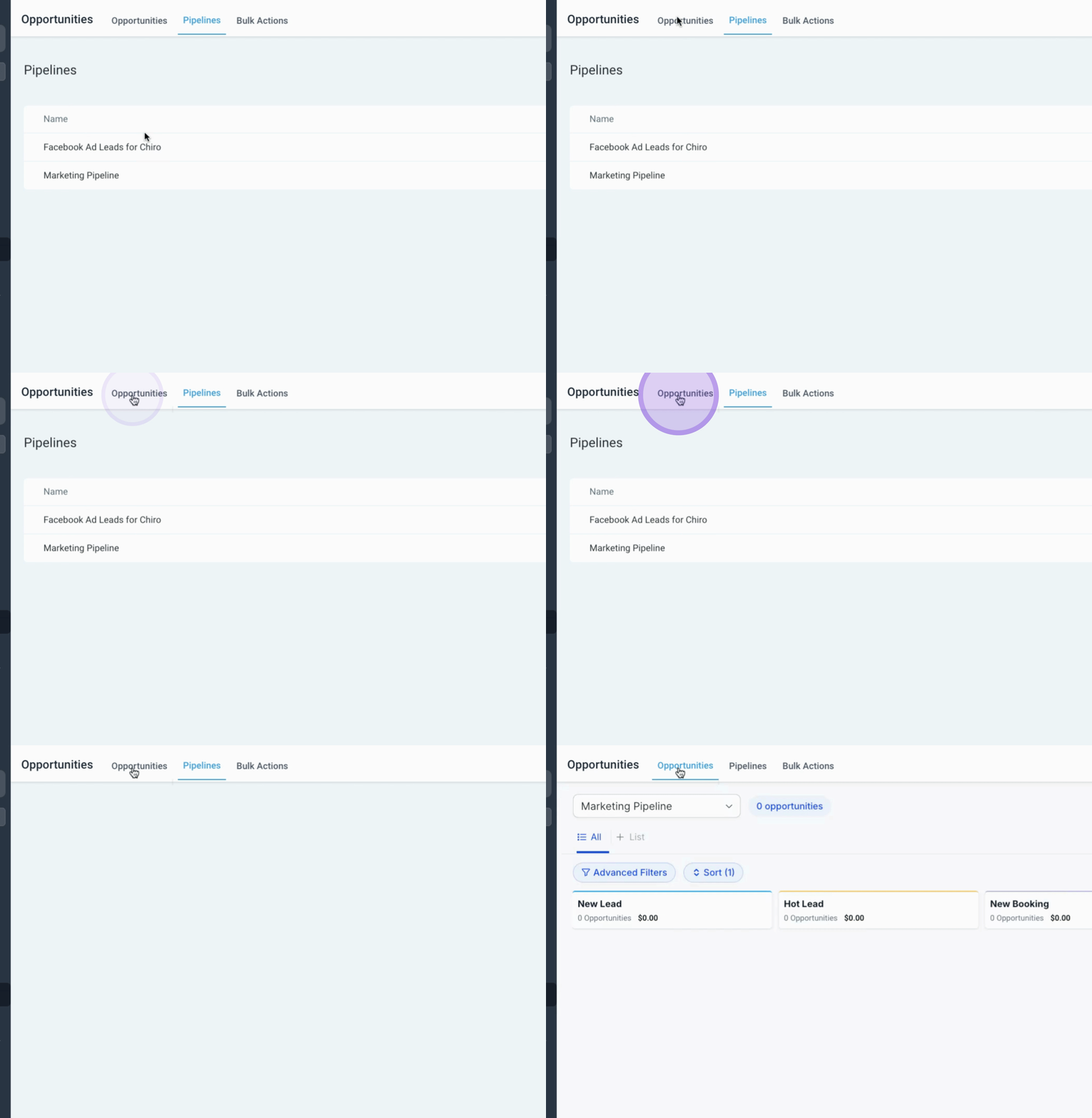
By following these steps, you will successfully set up the opportunities tab in Go High Level for your new customer.
